Confidence in equity decisions has to come from somewhere.

EquiView® gives teams the modeling, visibility, and validation needed to make confident decisions across complex equity programs.
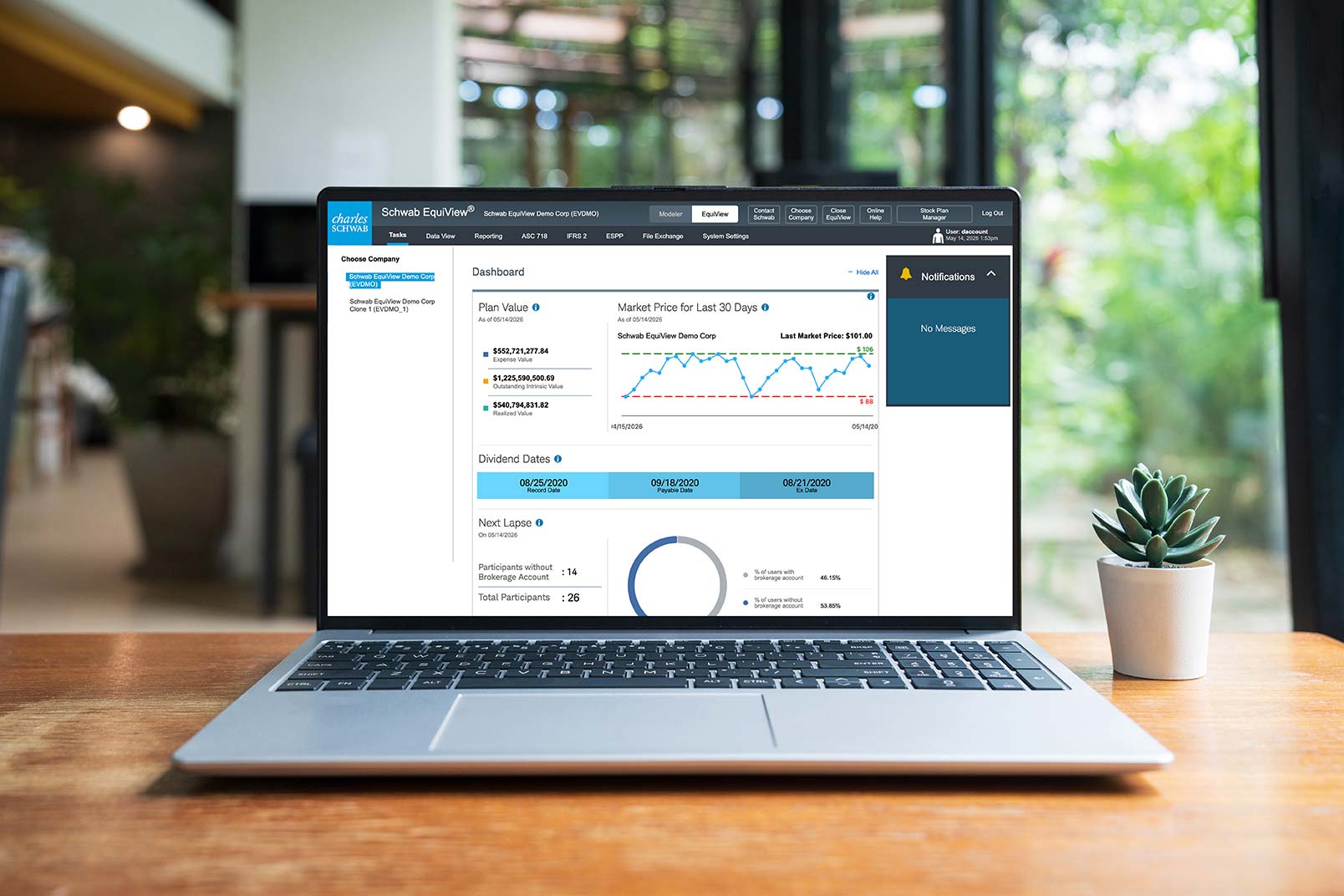
Confidence comes from control, clarity, and the ability to scale.

Control

Make changes knowing what will happen next, without rushing, second-guessing, or leaving anything to chance.

Complexity

See how rules, awards, and employee movement connect, keeping the full picture clear even when things get complicated.

Scale

Trust that what works today will still work as programs grow, activity increases, and equity reaches more people and places.

Upbeat music plays throughout.

On the blue background of a topographical map, a compass icon appears. The compass needle spins back and forth and then settles into place as text appears below the compass.

Onscreen text:
EquiView®: The Clear Path Forward
Global Complexity

The dial of the compass becomes the face of the moon, and the scene transforms. A figure wearing a cap and backpack is walking along a winding path toward trees, mountains, and the rising full moon.

Female Narrator: Managing equity across different countries gets complicated fast. Rules change depending on where someone works. Taxes aren't the same everywhere. Neither are currencies.

An aerial view shows the hiker's path, their position indicated by a white dot and their movement by a line of dashes.

Narrator: And people don't sit still. They move. They switch roles. Details are always changing.

The dashed line shows that the hiker has gone down a part of the trail that dead-ends. An inset shows the hiker looking at a large map, turning it this way and that and looking confused.

Narrator: It starts to feel like you're navigating in the dark. Not ideal.

The aerial view indicates the hiker is on the move again. A flag that says "EquiView Trail" pops up beside the path, pointing the hiker in the right direction.

Narrator: With EquiView, I don't have to sort it all out.

As the dashed line moves along, other flags pop up beside the trail to guide the hiker.

Onscreen text:
Track location-based rules

Narrator: Mobility tracking is built in.

Onscreen text:
Accommodate country-specific taxes.

Narrator: So I can see how things should be handled, based on where someone is.

Onscreen text:
Manage multiple currencies.

Narrator: The system pulls from participant data, so I don't have to stop and check every detail.

Onscreen text:
Follow employee movement.

Narrator: And I know withholding is handled the way it should be.

The hiker shines a bright flashlight on the path and continues on.

Narrator: So even as things stretch across countries, I'm not second guessing.

The view pulls back and reveals that the scene is being displayed on a laptop screen.

Narrator: With EquiView, the path stays lit.

On the laptop screen, the outdoor scene is replaced by a Schwab EquiView® web page.

The music fades. Brand music plays.

The Charles Schwab Workplace Services logo appears.

Onscreen text:
This information provided by Schwab Stock Plan Services is for educational purposes only and is not intended to be a substitute for specific individualized tax, legal, or investment planning advice. Where specific advice is necessary or appropriate, you should consult with a qualified tax advisor, CPA, Financial Planner, or Investment Manager.

Stock Plan Services provides equity compensation plan services and other financial services to corporations and employees through Charles Schwab & Co., Inc. ("Schwab"). Schwab, a registered broker dealer, offers brokerage and custody services to its customers.

Schwab Stock Plan Services, 9875 Schwab Way, Lone Tree, CO 80124 USA

©2026 Charles Schwab & Co., Inc. All rights reserved. Member SIPC.

CC17793828 (0626-E554) (06/26)

Video Transcript

EquiView Global Complexity Video

Upbeat music plays throughout.

On the blue background of a topographical map, a compass icon appears. The compass needle spins back and forth and then settles into place as text appears below the compass.

Onscreen text:
EquiView®: The Clear Path Forward
Global Complexity

The dial of the compass becomes the face of the moon, and the scene transforms. A figure wearing a cap and backpack is walking along a winding path toward trees, mountains, and the rising full moon.

Female Narrator: Managing equity across different countries gets complicated fast. Rules change depending on where someone works. Taxes aren't the same everywhere. Neither are currencies.

An aerial view shows the hiker's path, their position indicated by a white dot and their movement by a line of dashes.

Narrator: And people don't sit still. They move. They switch roles. Details are always changing.

The dashed line shows that the hiker has gone down a part of the trail that dead-ends. An inset shows the hiker looking at a large map, turning it this way and that and looking confused.

Narrator: It starts to feel like you're navigating in the dark. Not ideal.

The aerial view indicates the hiker is on the move again. A flag that says "EquiView Trail" pops up beside the path, pointing the hiker in the right direction.

Narrator: With EquiView, I don't have to sort it all out.

As the dashed line moves along, other flags pop up beside the trail to guide the hiker.

Onscreen text:
Track location-based rules

Narrator: Mobility tracking is built in.

Onscreen text:
Accommodate country-specific taxes.

Narrator: So I can see how things should be handled, based on where someone is.

Onscreen text:
Manage multiple currencies.

Narrator: The system pulls from participant data, so I don't have to stop and check every detail.

Onscreen text:
Follow employee movement.

Narrator: And I know withholding is handled the way it should be.

The hiker shines a bright flashlight on the path and continues on.

Narrator: So even as things stretch across countries, I'm not second guessing.

The view pulls back and reveals that the scene is being displayed on a laptop screen.

Narrator: With EquiView, the path stays lit.

On the laptop screen, the outdoor scene is replaced by a Schwab EquiView® web page.

The music fades. Brand music plays.

The Charles Schwab Workplace Services logo appears.

Onscreen text:
This information provided by Schwab Stock Plan Services is for educational purposes only and is not intended to be a substitute for specific individualized tax, legal, or investment planning advice. Where specific advice is necessary or appropriate, you should consult with a qualified tax advisor, CPA, Financial Planner, or Investment Manager.

Stock Plan Services provides equity compensation plan services and other financial services to corporations and employees through Charles Schwab & Co., Inc. ("Schwab"). Schwab, a registered broker dealer, offers brokerage and custody services to its customers.

Schwab Stock Plan Services, 9875 Schwab Way, Lone Tree, CO 80124 USA

©2026 Charles Schwab & Co., Inc. All rights reserved. Member SIPC.

CC17793828 (0626-E554) (06/26)

Navigate global equity rules with clarity.

Stay oriented as rules, taxes, and currencies change across countries, without slowing down or second-guessing what applies.
Upbeat music plays throughout.

On the blue background of a topographical map, a compass icon appears. The compass needle spins back and forth and then settles into place as text appears below the compass.

Onscreen text:
EquiView®: The Clear Path Forward
Complex Award Structures

The dial of the compass changes and expands to show a mountainous desert scene. A figure wearing a hat and backpack is walking along a winding path toward cacti, mountains, and the rising sun.

Female Narrator: Some equity plans get complicated fast.

As the hiker moves down the path, the scene changes to an aerial view that shows the hiker's path, their position indicated by a white dot and their movement by a line of dashes.

Narrator: Between vesting schedules, performance metrics, retirement rules, and more, it can feel like navigating a trail full of jagged rocks.

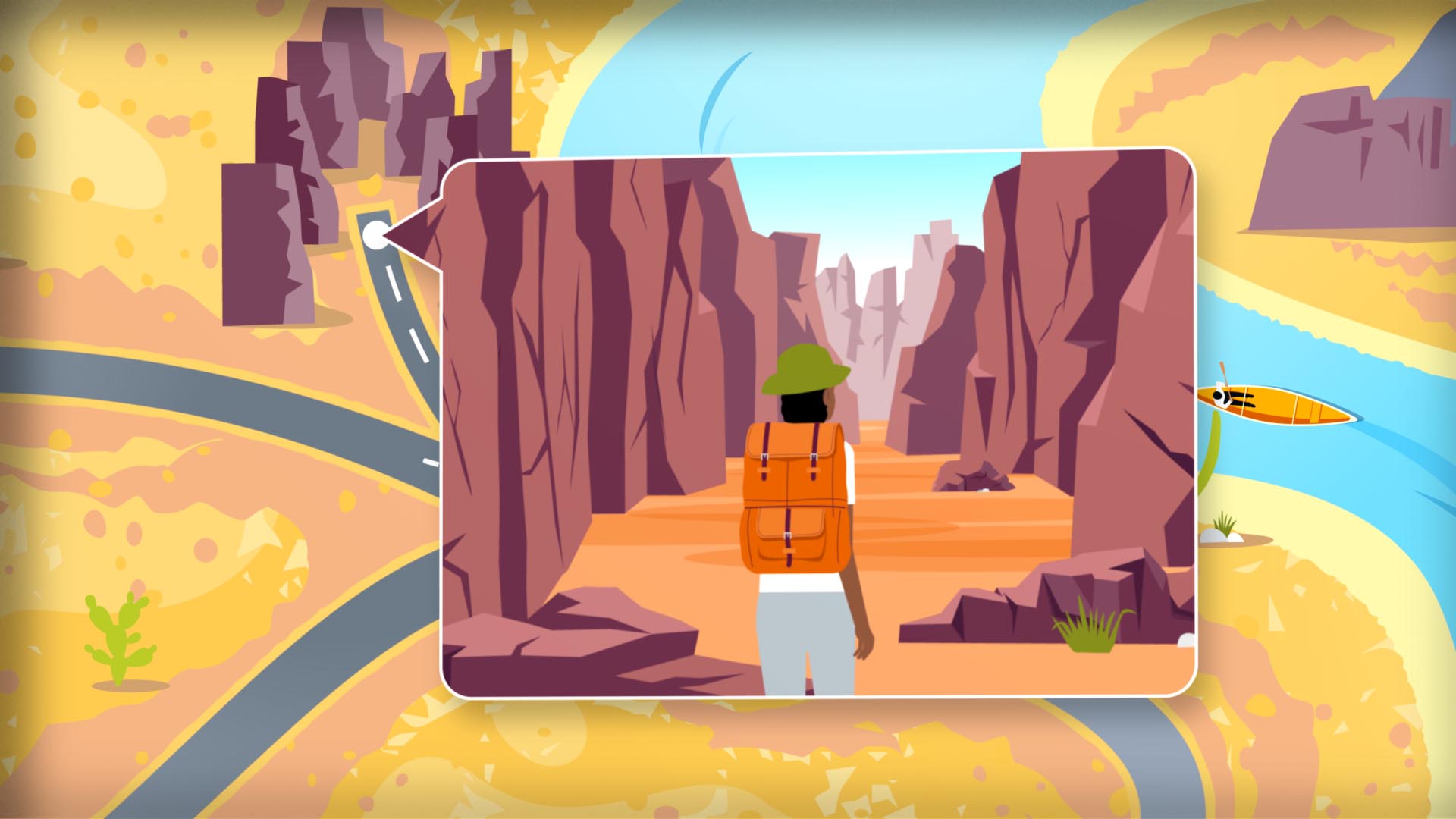
The dashed line shows that the hiker has gone down a part of the trail that dead-ends in a canyon of jagged cliffs. An inset shows the hiker stopping and looking through the narrowing cliffs.

Narrator: One wrong step can throw everything off.

The aerial view indicates the hiker is on the move again. A flag that says "EquiView Trail" pops up beside the path, pointing the hiker in the right direction.

Narrator: With EquiView, I don't have to spend my time chasing down every detail.

As the dashed line moves along, other flags pop up beside the trail to guide the hiker.

Onscreen text:
Manage multiple award types
ISOs, NQs, RSUs, SARs

Narrator: I can manage all our award types in one place—cash awards, performance awards—everything.

Onscreen text:
Track vesting schedules

Narrator: I don't have to keep track of all the different rules and exceptions. The system does it for me.

Onscreen text:
Automate termination rules

Narrator: So when a grant vests or a termination or transaction comes through, . . .

Onscreen text:
Track grants through every stage

Narrator: . . . I can follow exactly what's happening and be sure it's right. I'm not wondering if something was missed.

In front of a tent, the hiker sits on a rock, drinking a cup of coffee. A fire is blazing in a rock fire ring. The view pulls back and reveals that the scene is being displayed on a laptop screen.

Narrator: With EquiView, the path is smoother.

On the laptop screen, the outdoor scene is replaced by a Schwab EquiView® web page.

The music ends. Brand music plays.

The Charles Schwab Workplace Services logo appears.

Onscreen text:
This information provided by Schwab Stock Plan Services is for educational purposes only and is not intended to be a substitute for specific individualized tax, legal, or investment planning advice. Where specific advice is necessary or appropriate, you should consult with a qualified tax advisor, CPA, Financial Planner, or Investment Manager.

Stock Plan Services provides equity compensation plan services and other financial services to corporations and employees through Charles Schwab & Co., Inc. ("Schwab"). Schwab, a registered broker dealer, offers brokerage and custody services to its customers.

Schwab Stock Plan Services, 9875 Schwab Way, Lone Tree, CO 80124 USA

©2026 Charles Schwab & Co., Inc. All rights reserved. Member SIPC.

CC17793828 (0626-E9GL) (06/26)

Video Transcript

EquiView Complex Award Structures Video

Upbeat music plays throughout.

On the blue background of a topographical map, a compass icon appears. The compass needle spins back and forth and then settles into place as text appears below the compass.

Onscreen text:
EquiView®: The Clear Path Forward
Complex Award Structures

The dial of the compass changes and expands to show a mountainous desert scene. A figure wearing a hat and backpack is walking along a winding path toward cacti, mountains, and the rising sun.

Female Narrator: Some equity plans get complicated fast.

As the hiker moves down the path, the scene changes to an aerial view that shows the hiker's path, their position indicated by a white dot and their movement by a line of dashes.

Narrator: Between vesting schedules, performance metrics, retirement rules, and more, it can feel like navigating a trail full of jagged rocks.

The dashed line shows that the hiker has gone down a part of the trail that dead-ends in a canyon of jagged cliffs. An inset shows the hiker stopping and looking through the narrowing cliffs.

Narrator: One wrong step can throw everything off.

The aerial view indicates the hiker is on the move again. A flag that says "EquiView Trail" pops up beside the path, pointing the hiker in the right direction.

Narrator: With EquiView, I don't have to spend my time chasing down every detail.

As the dashed line moves along, other flags pop up beside the trail to guide the hiker.

Onscreen text:
Manage multiple award types
ISOs, NQs, RSUs, SARs

Narrator: I can manage all our award types in one place—cash awards, performance awards—everything.

Onscreen text:
Track vesting schedules

Narrator: I don't have to keep track of all the different rules and exceptions. The system does it for me.

Onscreen text:
Automate termination rules

Narrator: So when a grant vests or a termination or transaction comes through, . . .

Onscreen text:
Track grants through every stage

Narrator: . . . I can follow exactly what's happening and be sure it's right. I'm not wondering if something was missed.

In front of a tent, the hiker sits on a rock, drinking a cup of coffee. A fire is blazing in a rock fire ring. The view pulls back and reveals that the scene is being displayed on a laptop screen.

Narrator: With EquiView, the path is smoother.

On the laptop screen, the outdoor scene is replaced by a Schwab EquiView® web page.

The music ends. Brand music plays.

The Charles Schwab Workplace Services logo appears.

Onscreen text:
This information provided by Schwab Stock Plan Services is for educational purposes only and is not intended to be a substitute for specific individualized tax, legal, or investment planning advice. Where specific advice is necessary or appropriate, you should consult with a qualified tax advisor, CPA, Financial Planner, or Investment Manager.

Stock Plan Services provides equity compensation plan services and other financial services to corporations and employees through Charles Schwab & Co., Inc. ("Schwab"). Schwab, a registered broker dealer, offers brokerage and custody services to its customers.

Schwab Stock Plan Services, 9875 Schwab Way, Lone Tree, CO 80124 USA

©2026 Charles Schwab & Co., Inc. All rights reserved. Member SIPC.

CC17793828 (0626-E9GL) (06/26)

Handle complex awards without workarounds.

Manage multiple award types, exceptions, and eligibility rules directly in the system, so nothing has to be tracked on the side.
Calm music plays throughout.

On the blue background of a topographical map, a compass icon appears. The compass needle spins back and forth and then settles into place as text appears below the compass.

Onscreen text:
EquiView®: The Clear Path Forward
One Platform, One Source of Truth

The dial of the compass changes and expands to show a green valley surrounded by mountain peaks. A figure wearing a hat and backpack stands on a rocky outcrop, looking out over the valley.

Female Narrator: When equity data lives across different systems, things can get messy. I'm moving along paths that don't always connect.

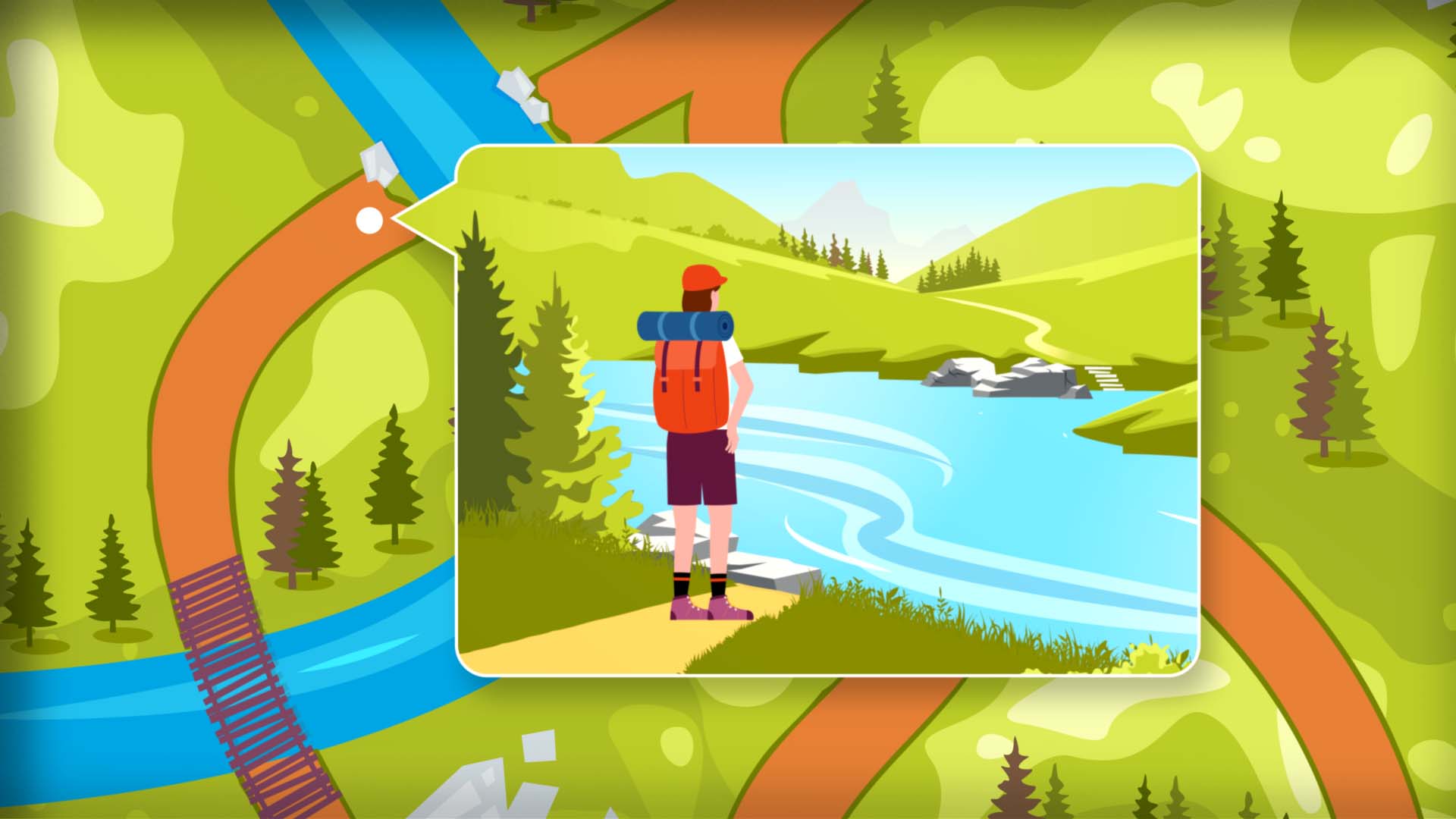
An aerial view shows the hiker's path, their position indicated by a white dot and their movement by a line of dashes. The dot stops at a river. An inset view shows the hiker standing on a trail that comes to the edge of a wide, swiftly flowing river. The hiker sees that the path continues on the other side of the river and puts their hands on their hips in frustration.

Narrator: Before long, I've spent more time switching between tools and reconciling data than actually moving things forward.

The aerial view indicates the hiker is on the move again and is on a path with a bridge that allows them to cross the river. A flag that says "EquiView Trail" pops up beside another path, and the hiker takes a shortcut over to that path to continue on in the right direction.

Narrator: With EquiView, I don't have to chase down data across systems.

As the dashed line moves along, other flags pop up beside the trail to guide the hiker.

Onscreen text:
Connect data across functions ASC718 & ESPP

Narrator: It's a fully integrated platform, so data just flows between functions without having to piece it together.

Onscreen text:
Keep everything in one place

Narrator: I can work from a single dashboard, with a consistent experience across screens.

In an aerial view, the dot and the dashed line show that the hiker is making good progress down the trail.

Onscreen text:
Work from one dashboard

Narrator: And I can manage data using custom errors and warnings.

Onscreen text:
Flag issues early

Narrator: So things stay aligned. And it's a lot easier to keep everything moving.

The dot stops and an inset opens to show the hiker pausing on the trail to take in a beautiful view of distant snowcapped peaks. Under the hiker's feet, the trail stretches into the distance, and butterflies flutter around them.

Narrator: With EquiView, everything runs on the same path.

The view pulls back to reveal that the scene is being displayed on a laptop screen. As the hiker continues down the trail, the outdoor scene is replaced by a Schwab EquiView® web page.

The calm music fades. Brand music plays.

The Charles Schwab Workplace Services logo appears.

Onscreen text:
This information provided by Schwab Stock Plan Services is for educational purposes only and is not intended to be a substitute for specific individualized tax, legal, or investment planning advice. Where specific advice is necessary or appropriate, you should consult with a qualified tax advisor, CPA, Financial Planner, or Investment Manager.

Stock Plan Services provides equity compensation plan services and other financial services to corporations and employees through Charles Schwab & Co., Inc. ("Schwab"). Schwab, a registered broker dealer, offers brokerage and custody services to its customers.

Schwab Stock Plan Services, 9875 Schwab Way, Lone Tree, CO 80124 USA

©2026 Charles Schwab & Co., Inc. All rights reserved. Member SIPC.

CC17793828 (0626-GE5P) 06/26

Video Transcript

EquiView One platform Video

Calm music plays throughout.

On the blue background of a topographical map, a compass icon appears. The compass needle spins back and forth and then settles into place as text appears below the compass.

Onscreen text:
EquiView®: The Clear Path Forward
One Platform, One Source of Truth

The dial of the compass changes and expands to show a green valley surrounded by mountain peaks. A figure wearing a hat and backpack stands on a rocky outcrop, looking out over the valley.

Female Narrator: When equity data lives across different systems, things can get messy. I'm moving along paths that don't always connect.

An aerial view shows the hiker's path, their position indicated by a white dot and their movement by a line of dashes. The dot stops at a river. An inset view shows the hiker standing on a trail that comes to the edge of a wide, swiftly flowing river. The hiker sees that the path continues on the other side of the river and puts their hands on their hips in frustration.

Narrator: Before long, I've spent more time switching between tools and reconciling data than actually moving things forward.

The aerial view indicates the hiker is on the move again and is on a path with a bridge that allows them to cross the river. A flag that says "EquiView Trail" pops up beside another path, and the hiker takes a shortcut over to that path to continue on in the right direction.

Narrator: With EquiView, I don't have to chase down data across systems.

As the dashed line moves along, other flags pop up beside the trail to guide the hiker.

Onscreen text:
Connect data across functions ASC718 & ESPP

Narrator: It's a fully integrated platform, so data just flows between functions without having to piece it together.

Onscreen text:
Keep everything in one place

Narrator: I can work from a single dashboard, with a consistent experience across screens.

In an aerial view, the dot and the dashed line show that the hiker is making good progress down the trail.

Onscreen text:
Work from one dashboard

Narrator: And I can manage data using custom errors and warnings.

Onscreen text:
Flag issues early

Narrator: So things stay aligned. And it's a lot easier to keep everything moving.

The dot stops and an inset opens to show the hiker pausing on the trail to take in a beautiful view of distant snowcapped peaks. Under the hiker's feet, the trail stretches into the distance, and butterflies flutter around them.

Narrator: With EquiView, everything runs on the same path.

The view pulls back to reveal that the scene is being displayed on a laptop screen. As the hiker continues down the trail, the outdoor scene is replaced by a Schwab EquiView® web page.

The calm music fades. Brand music plays.

The Charles Schwab Workplace Services logo appears.

Onscreen text:
This information provided by Schwab Stock Plan Services is for educational purposes only and is not intended to be a substitute for specific individualized tax, legal, or investment planning advice. Where specific advice is necessary or appropriate, you should consult with a qualified tax advisor, CPA, Financial Planner, or Investment Manager.

Stock Plan Services provides equity compensation plan services and other financial services to corporations and employees through Charles Schwab & Co., Inc. ("Schwab"). Schwab, a registered broker dealer, offers brokerage and custody services to its customers.

Schwab Stock Plan Services, 9875 Schwab Way, Lone Tree, CO 80124 USA

©2026 Charles Schwab & Co., Inc. All rights reserved. Member SIPC.

CC17793828 (0626-GE5P) 06/26

Bring everything into one trusted system.

Keep equity data, activity, and workflows in one place, reducing reconciliation and tool-switching as programs grow.

Fast, upbeat music plays throughout.

On the blue background of a topographical map, a compass icon appears. The compass needle spins back and forth and then settles into place as text appears below the compass.

Onscreen text:
EquiView®: The Clear Path Forward
Automation and Reporting Efficiency

The dial of the compass changes and expands to show a river flowing through a steep-walled canyon. A kayaker paddles down the river. Ahead, a rope-and-plank bridge stretches across the canyon.

Female Narrator: When it's time to pull reports, the work adds up fast. Even with familiar requests, I'm doing the same thing again and again.

An aerial view shows the river, the bridge, and the surrounding area. A line of dashes indicates the kayaker's progress down the river.

Narrator: It's like swimming against the current. I'm putting in the effort but not getting very far.

An inset shows the kayaker paddling strenuously against a whitewater current.

Narrator: With EquiView, all that repetitive work goes away.

The aerial view shows the kayaker reaching the main channel of the river. A flag that says "EquiView River" pops up beside the water, pointing the kayaker in the right direction.

Narrator: I can save reports ...

As the dashed line moves along, other flags pop up beside the trail to guide the hiker.

Onscreen text:
Save and reuse reports

Narrator: ... customize them once, and reuse them when I need to.

Onscreen text:
Customize reports

Narrator: I can schedule reports to run automatically ...

Onscreen text:
Schedule reports automatically

Narrator: ... and have them delivered where they need to go and in the right format.

Onscreen text:
Autodeliver in the right format

Narrator: So instead of working against the current, everything moves forward smoothly.

The aerial view shows the kayaker stopping along the banks. An inset opens and expands to show the kayaker standing on the shore beside the kayak, looking contentedly toward a valley where the river widens peacefully and snow-capped mountains stand in the distance.

Narrator: With EquiView, the path keeps flowing.

The view pulls back to reveal that the scene is displayed on a laptop screen. On the screen, the outdoor scene is replaced by a Schwab EquiView® web page dashboard, animated with dynamic widgets.

The music fades. Brand music plays.

The Charles Schwab Workplace Services logo appears.

Onscreen text:
This information provided by Schwab Stock Plan Services is for educational purposes only and is not intended to be a substitute for specific individualized tax, legal, or investment planning advice. Where specific advice is necessary or appropriate, you should consult with a qualified tax advisor, CPA, Financial Planner, or Investment Manager.

Stock Plan Services provides equity compensation plan services and other financial services to corporations and employees through Charles Schwab & Co., Inc. ("Schwab"). Schwab, a registered broker dealer, offers brokerage and custody services to its customers.

Schwab Stock Plan Services, 9875 Schwab Way, Lone Tree, CO 80124 USA

©2026 Charles Schwab & Co., Inc. All rights reserved. Member SIPC.
CC17793828 (0826-W7SP) (07/26)

Video Transcript

EquiView Automation and Reporting Efficiency Video

Fast, upbeat music plays throughout.

On the blue background of a topographical map, a compass icon appears. The compass needle spins back and forth and then settles into place as text appears below the compass.

Onscreen text:
EquiView®: The Clear Path Forward
Automation and Reporting Efficiency

The dial of the compass changes and expands to show a river flowing through a steep-walled canyon. A kayaker paddles down the river. Ahead, a rope-and-plank bridge stretches across the canyon.

Female Narrator: When it's time to pull reports, the work adds up fast. Even with familiar requests, I'm doing the same thing again and again.

An aerial view shows the river, the bridge, and the surrounding area. A line of dashes indicates the kayaker's progress down the river.

Narrator: It's like swimming against the current. I'm putting in the effort but not getting very far.

An inset shows the kayaker paddling strenuously against a whitewater current.

Narrator: With EquiView, all that repetitive work goes away.

The aerial view shows the kayaker reaching the main channel of the river. A flag that says "EquiView River" pops up beside the water, pointing the kayaker in the right direction.

Narrator: I can save reports ...

As the dashed line moves along, other flags pop up beside the trail to guide the hiker.

Onscreen text:
Save and reuse reports

Narrator: ... customize them once, and reuse them when I need to.

Onscreen text:
Customize reports

Narrator: I can schedule reports to run automatically ...

Onscreen text:
Schedule reports automatically

Narrator: ... and have them delivered where they need to go and in the right format.

Onscreen text:
Autodeliver in the right format

Narrator: So instead of working against the current, everything moves forward smoothly.

The aerial view shows the kayaker stopping along the banks. An inset opens and expands to show the kayaker standing on the shore beside the kayak, looking contentedly toward a valley where the river widens peacefully and snow-capped mountains stand in the distance.

Narrator: With EquiView, the path keeps flowing.

The view pulls back to reveal that the scene is displayed on a laptop screen. On the screen, the outdoor scene is replaced by a Schwab EquiView® web page dashboard, animated with dynamic widgets.

The music fades. Brand music plays.

The Charles Schwab Workplace Services logo appears.

Onscreen text:
This information provided by Schwab Stock Plan Services is for educational purposes only and is not intended to be a substitute for specific individualized tax, legal, or investment planning advice. Where specific advice is necessary or appropriate, you should consult with a qualified tax advisor, CPA, Financial Planner, or Investment Manager.

Stock Plan Services provides equity compensation plan services and other financial services to corporations and employees through Charles Schwab & Co., Inc. ("Schwab"). Schwab, a registered broker dealer, offers brokerage and custody services to its customers.

Schwab Stock Plan Services, 9875 Schwab Way, Lone Tree, CO 80124 USA

©2026 Charles Schwab & Co., Inc. All rights reserved. Member SIPC.
CC17793828 (0826-W7SP) (07/26)

Get the answers you actually need

Create and use reports that fit your workflow, without rebuilding the same views or distributing them manually.
Upbeat music plays throughout. 

On the blue background of a topographical map, a compass icon appears. The compass needle spins back and forth and then settles into place as text appears below the compass.

Onscreen text:

EquiView®: The Clear Path Forward

Data Integrity and Scale

The dial of the compass changes and expands to show a path through a forest. A figure wearing a hat and backpack and using two trekking poles is walking down the path.

Female Narrator: When I'm working with employee data, small gaps can start to show up. Maybe a field doesn't line up. Maybe an update doesn't carry through.

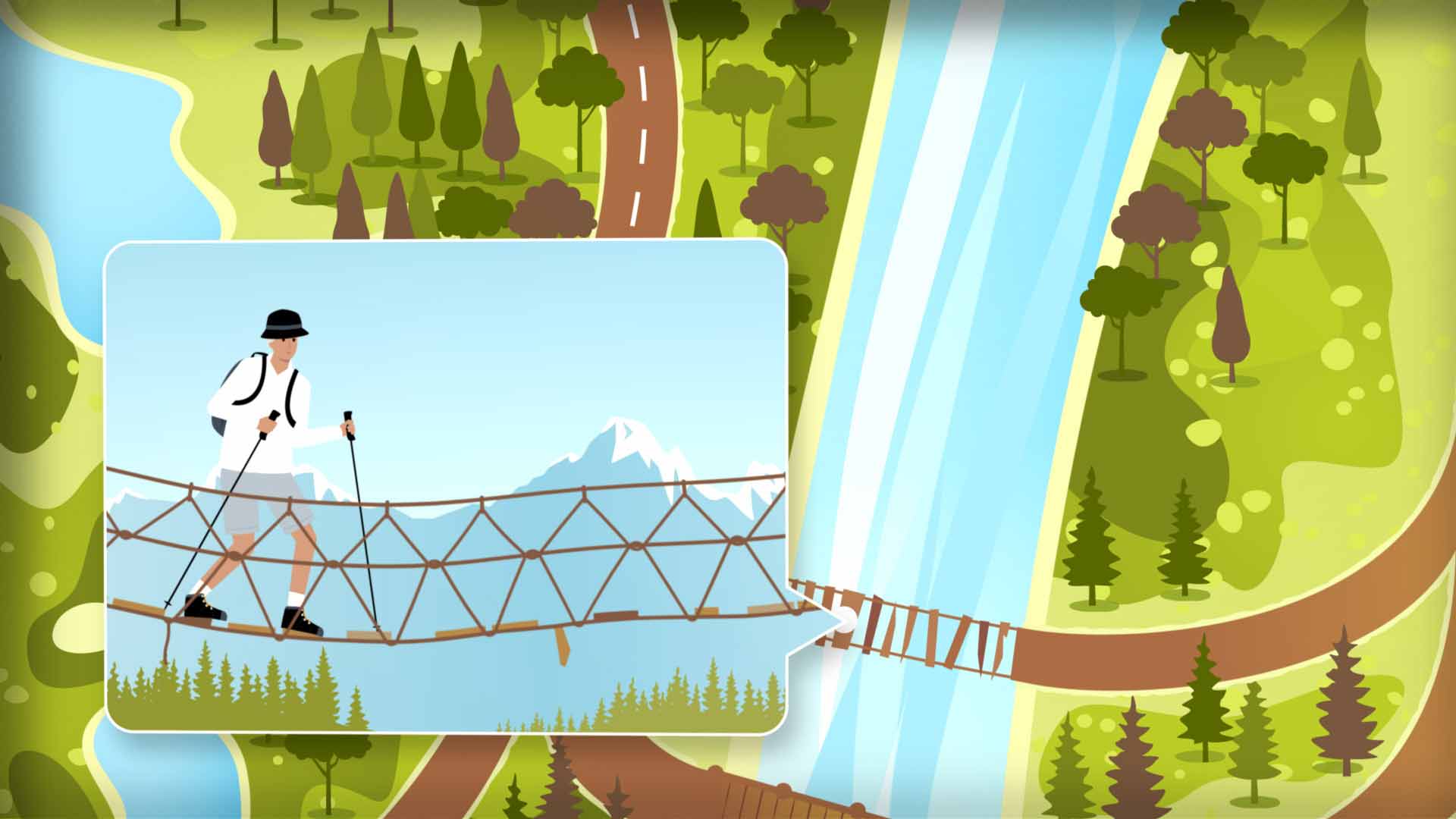
An aerial view shows the hiker's path, their position indicated by a white dot and their movement by a line of dashes. The dot stops on a rickety bridge over a river. An inset view shows the hiker stepping gingerly, trying to cross the bridge, which is made of rope and planks. Planks are missing, and the bridge swings and shakes as a plank falls off. 

Narrator: It can feel like moving forward on a bridge with missing planks.

The aerial view shows the hiker has retreated from the bridge, gone up the trail, and is crossing a more solid bridge with no planks missing. A flag that says "EquiView Trail" pops up beside the path. 

Narrator: With EquiView, the gaps are covered. Employee data flows in automatically from HR systems. 

As the dashed line moves along the path, other flags pop up beside the trail to guide the hiker.

Onscreen text:

Automated employee data transfers via secure connection

Narrator: So it stays consistent from the start.

Onscreen text:

130+ employee data fields

Narrator: And I know the data I'm working with holds up…

Onscreen text:

28 customizable data fields

Narrator: …even as more plans and participants are added. 

Onscreen text:

Search and export participant data

In an aerial view, the dot and the dashed line show that the hiker has been making good progress and is now crossing another sturdy bridge over the river. An inset shows the hiker stopped on the bridge to enjoy the view.

Narrator: So instead of worrying about what's missing, I can trust what's there. 

The view pulls back to reveal that the scene is being displayed on a laptop screen. As the hiker enjoys the view from the bridge, the outdoor scene is replaced by a Schwab EquiView® dashboard. 

Narrator: With EquiView, I know I can count on a reliable path.

The upbeat music fades. Brand music plays.

The Charles Schwab Workplace Services logo appears.

Onscreen text:

This information provided by Schwab Stock Plan Services is for educational purposes only and is not intended to be a substitute for specific individualized tax, legal, or investment planning advice. Where specific advice is necessary or appropriate, you should consult with a qualified tax advisor, CPA, Financial Planner, or Investment Manager.

Stock Plan Services provides equity compensation plan services and other financial services to corporations and employees through Charles Schwab & Co., Inc. ("Schwab"). Schwab, a registered broker dealer, offers brokerage and custody services to its customers.

Schwab Stock Plan Services, 9875 Schwab Way, Lone Tree, CO  80124 USA

©2026 Charles Schwab & Co., Inc. All rights reserved. Member SIPC.

CC17793828 (0726-R7X8) (07/26)

Video Transcript

EquiView® Data Integrity and Scale Video

Upbeat music plays throughout. 

On the blue background of a topographical map, a compass icon appears. The compass needle spins back and forth and then settles into place as text appears below the compass.

Onscreen text:

EquiView®: The Clear Path Forward

Data Integrity and Scale

The dial of the compass changes and expands to show a path through a forest. A figure wearing a hat and backpack and using two trekking poles is walking down the path.

Female Narrator: When I'm working with employee data, small gaps can start to show up. Maybe a field doesn't line up. Maybe an update doesn't carry through.

An aerial view shows the hiker's path, their position indicated by a white dot and their movement by a line of dashes. The dot stops on a rickety bridge over a river. An inset view shows the hiker stepping gingerly, trying to cross the bridge, which is made of rope and planks. Planks are missing, and the bridge swings and shakes as a plank falls off. 

Narrator: It can feel like moving forward on a bridge with missing planks.

The aerial view shows the hiker has retreated from the bridge, gone up the trail, and is crossing a more solid bridge with no planks missing. A flag that says "EquiView Trail" pops up beside the path. 

Narrator: With EquiView, the gaps are covered. Employee data flows in automatically from HR systems. 

As the dashed line moves along the path, other flags pop up beside the trail to guide the hiker.

Onscreen text:

Automated employee data transfers via secure connection

Narrator: So it stays consistent from the start.

Onscreen text:

130+ employee data fields

Narrator: And I know the data I'm working with holds up…

Onscreen text:

28 customizable data fields

Narrator: …even as more plans and participants are added. 

Onscreen text:

Search and export participant data

In an aerial view, the dot and the dashed line show that the hiker has been making good progress and is now crossing another sturdy bridge over the river. An inset shows the hiker stopped on the bridge to enjoy the view.

Narrator: So instead of worrying about what's missing, I can trust what's there. 

The view pulls back to reveal that the scene is being displayed on a laptop screen. As the hiker enjoys the view from the bridge, the outdoor scene is replaced by a Schwab EquiView® dashboard. 

Narrator: With EquiView, I know I can count on a reliable path.

The upbeat music fades. Brand music plays.

The Charles Schwab Workplace Services logo appears.

Onscreen text:

This information provided by Schwab Stock Plan Services is for educational purposes only and is not intended to be a substitute for specific individualized tax, legal, or investment planning advice. Where specific advice is necessary or appropriate, you should consult with a qualified tax advisor, CPA, Financial Planner, or Investment Manager.

Stock Plan Services provides equity compensation plan services and other financial services to corporations and employees through Charles Schwab & Co., Inc. ("Schwab"). Schwab, a registered broker dealer, offers brokerage and custody services to its customers.

Schwab Stock Plan Services, 9875 Schwab Way, Lone Tree, CO  80124 USA

©2026 Charles Schwab & Co., Inc. All rights reserved. Member SIPC.

CC17793828 (0726-R7X8) (07/26)

Rely on data you can trust at scale

Keep equity data consistent and accurate as programs expand, minimizing manual work and audit stress along the way.
Upbeat music plays throughout. 

On the blue background of a topographical map, a compass icon appears. The compass needle spins back and forth and then settles into place as text appears below the compass.

Onscreen text:

EquiView®: The Clear Path Forward

Control and Risk Management

The dial of the compass changes and expands to show a green valley surrounded by mountain peaks. A hiker wearing a cap and backpack walks along a path toward trees and snow-capped mountains.

Female Narrator: When I push a change live, there's a lot riding on it. It might be a new award type or a policy update.

An aerial view shows the hiker's path. A blue dot indicates their position and a line of dashes shows their movement.

Narrator: Either way, it's going straight into production. 

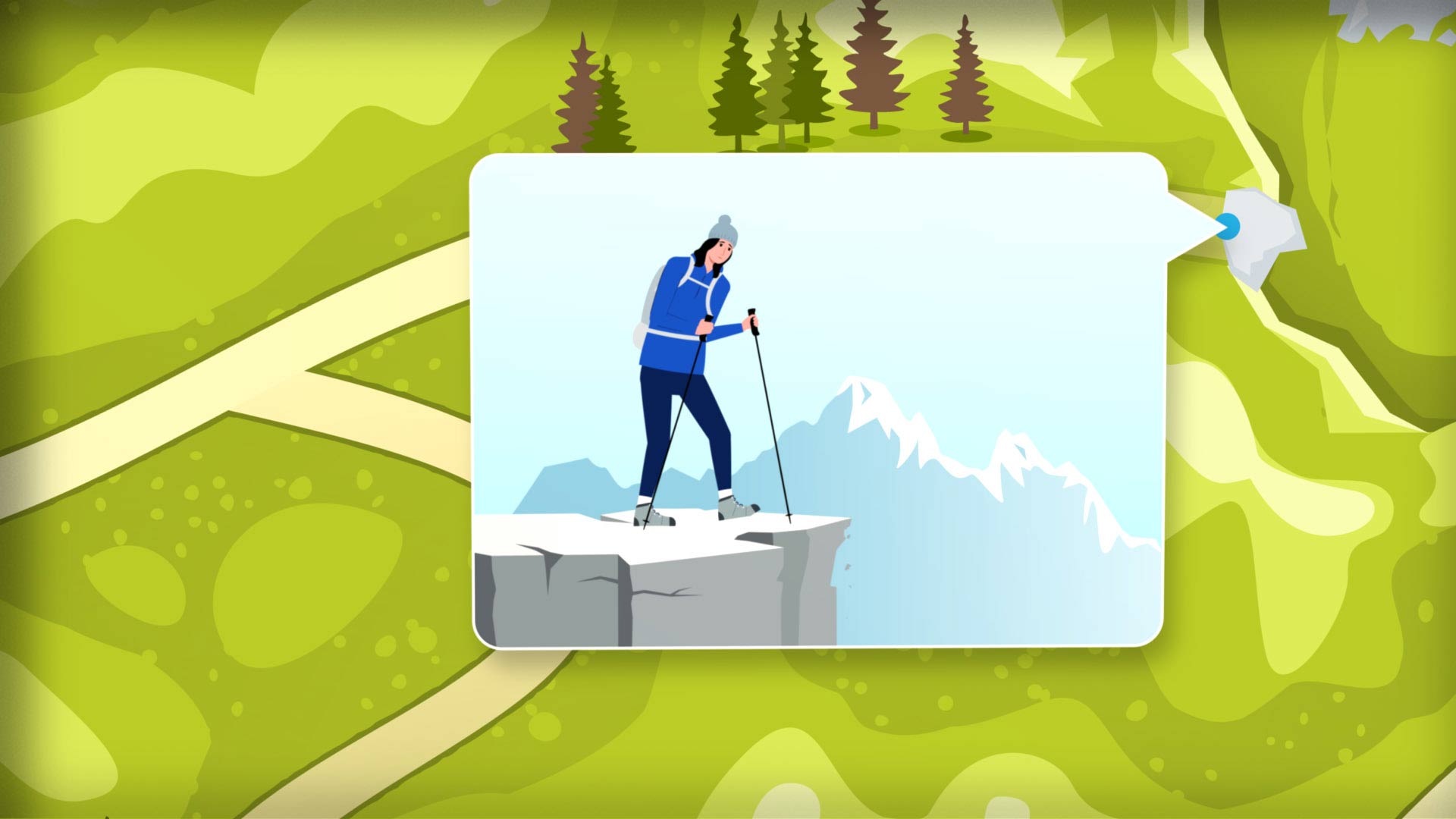
The dashed line shows the hiker has gone down a dead-end tail. An inset shows the hiker standing at the edge of a cliff. A small part of the cliff edge breaks and falls away, and the hiker backs nervously away from the edge.

Narrator: And if I'm not totally sure how it'll play out, I'm stepping onto shaky ground.

Not a great feeling.

The aerial view indicates the hiker reversing direction from the path's dead-end. A flag that says "EquiView Trail" pops up beside the path, pointing the hiker in the right direction. 

Narrator: With EquiView, I don't have to take that risk.

As the dashed line moves along, other flags pop up beside the trail to guide the hiker.

Onscreen text:

Test in a sandbox environment

Narrator: I can test things first in a sandbox environment . . .

Onscreen text:

Catch issues early

Narrator: . . . and know what to expect before it goes live.

Onscreen text:

Hold in a staging area

Narrator: Then it sits in a staging area, so I can take another look and make sure the changes I made check out.

Onscreen text:

Review data changes

Narrator: If something's off, I catch it early. 

Onscreen text:

Reduce risk

Narrator: So when I push it live, I'm not second guessing. I know it's right.

The aerial view shows the hiker stopping. An inset opens and expands, showing the hiker looking out over a valley with a lake surrounded by mountains. Ahead, the path stretches out into the distance.

Narrator: With EquiView, the path is steady. And I can move forward with confidence.

The view pulls back to reveal that the scene is displayed on a laptop screen.

On the screen, the outdoor scene is replaced by a Schwab EquiView® web page dashboard, animated with dynamic widgets. 

The music fades. Brand music plays.

The Charles Schwab Workplace Services logo appears.

Onscreen text:

This information provided by Schwab Stock Plan Services is for educational purposes only and is not intended to be a substitute for specific individualized tax, legal, or investment planning advice. Where specific advice is necessary or appropriate, you should consult with a qualified tax advisor, CPA, Financial Planner, or Investment Manager.

Stock Plan Services provides equity compensation plan services and other financial services to corporations and employees through Charles Schwab & Co., Inc. ("Schwab"). Schwab, a registered broker dealer, offers brokerage and custody services to its customers.

Schwab Stock Plan Services, 9875 Schwab Way, Lone Tree, CO  80124 USA

©2026 Charles Schwab & Co., Inc. All rights reserved. Member SIPC.

CC17793828 (0726-R7X8) (08/26)

Video Transcript

EquiView® Control and Risk Video

Upbeat music plays throughout. 

On the blue background of a topographical map, a compass icon appears. The compass needle spins back and forth and then settles into place as text appears below the compass.

Onscreen text:

EquiView®: The Clear Path Forward

Control and Risk Management

The dial of the compass changes and expands to show a green valley surrounded by mountain peaks. A hiker wearing a cap and backpack walks along a path toward trees and snow-capped mountains.

Female Narrator: When I push a change live, there's a lot riding on it. It might be a new award type or a policy update.

An aerial view shows the hiker's path. A blue dot indicates their position and a line of dashes shows their movement.

Narrator: Either way, it's going straight into production. 

The dashed line shows the hiker has gone down a dead-end tail. An inset shows the hiker standing at the edge of a cliff. A small part of the cliff edge breaks and falls away, and the hiker backs nervously away from the edge.

Narrator: And if I'm not totally sure how it'll play out, I'm stepping onto shaky ground.

Not a great feeling.

The aerial view indicates the hiker reversing direction from the path's dead-end. A flag that says "EquiView Trail" pops up beside the path, pointing the hiker in the right direction. 

Narrator: With EquiView, I don't have to take that risk.

As the dashed line moves along, other flags pop up beside the trail to guide the hiker.

Onscreen text:

Test in a sandbox environment

Narrator: I can test things first in a sandbox environment . . .

Onscreen text:

Catch issues early

Narrator: . . . and know what to expect before it goes live.

Onscreen text:

Hold in a staging area

Narrator: Then it sits in a staging area, so I can take another look and make sure the changes I made check out.

Onscreen text:

Review data changes

Narrator: If something's off, I catch it early. 

Onscreen text:

Reduce risk

Narrator: So when I push it live, I'm not second guessing. I know it's right.

The aerial view shows the hiker stopping. An inset opens and expands, showing the hiker looking out over a valley with a lake surrounded by mountains. Ahead, the path stretches out into the distance.

Narrator: With EquiView, the path is steady. And I can move forward with confidence.

The view pulls back to reveal that the scene is displayed on a laptop screen.

On the screen, the outdoor scene is replaced by a Schwab EquiView® web page dashboard, animated with dynamic widgets. 

The music fades. Brand music plays.

The Charles Schwab Workplace Services logo appears.

Onscreen text:

This information provided by Schwab Stock Plan Services is for educational purposes only and is not intended to be a substitute for specific individualized tax, legal, or investment planning advice. Where specific advice is necessary or appropriate, you should consult with a qualified tax advisor, CPA, Financial Planner, or Investment Manager.

Stock Plan Services provides equity compensation plan services and other financial services to corporations and employees through Charles Schwab & Co., Inc. ("Schwab"). Schwab, a registered broker dealer, offers brokerage and custody services to its customers.

Schwab Stock Plan Services, 9875 Schwab Way, Lone Tree, CO  80124 USA

©2026 Charles Schwab & Co., Inc. All rights reserved. Member SIPC.

CC17793828 (0726-R7X8) (08/26)

Test changes before they hit production

Validate updates in a safe environment, catch issues early, and move forward knowing nothing goes live by surprise. 

Schedule a demo to see how EquiView supports confident equity administration.

Stay connected with Workplace Services.